ege.dev

Wednesday, 28 November 2018

New project: License Bot

There is a new paranoid lawyer bot in town!

LicenseBot is the idea of Akın Ömeroğlu. Basically, it monitors public events from Github and analyzes commits for license changes. If it founds one, tweets it.

Also, it’s my first Go project. You can see the source on Github.

2019-02-20 UPDATE: I shut down the service because my GCP trial has ended. Cloud is expensive.

Sunday, 11 November 2018

Cloud Native Istanbul

There is a new meetup in town that I’m very excited about: Cloud Native Istanbul

The meetup is started by Kaan Demircan and Engin Özkurt. Kaan and Engin are both work for Microsoft and their main focus is on providing open source solutions to Microsoft’s clients.

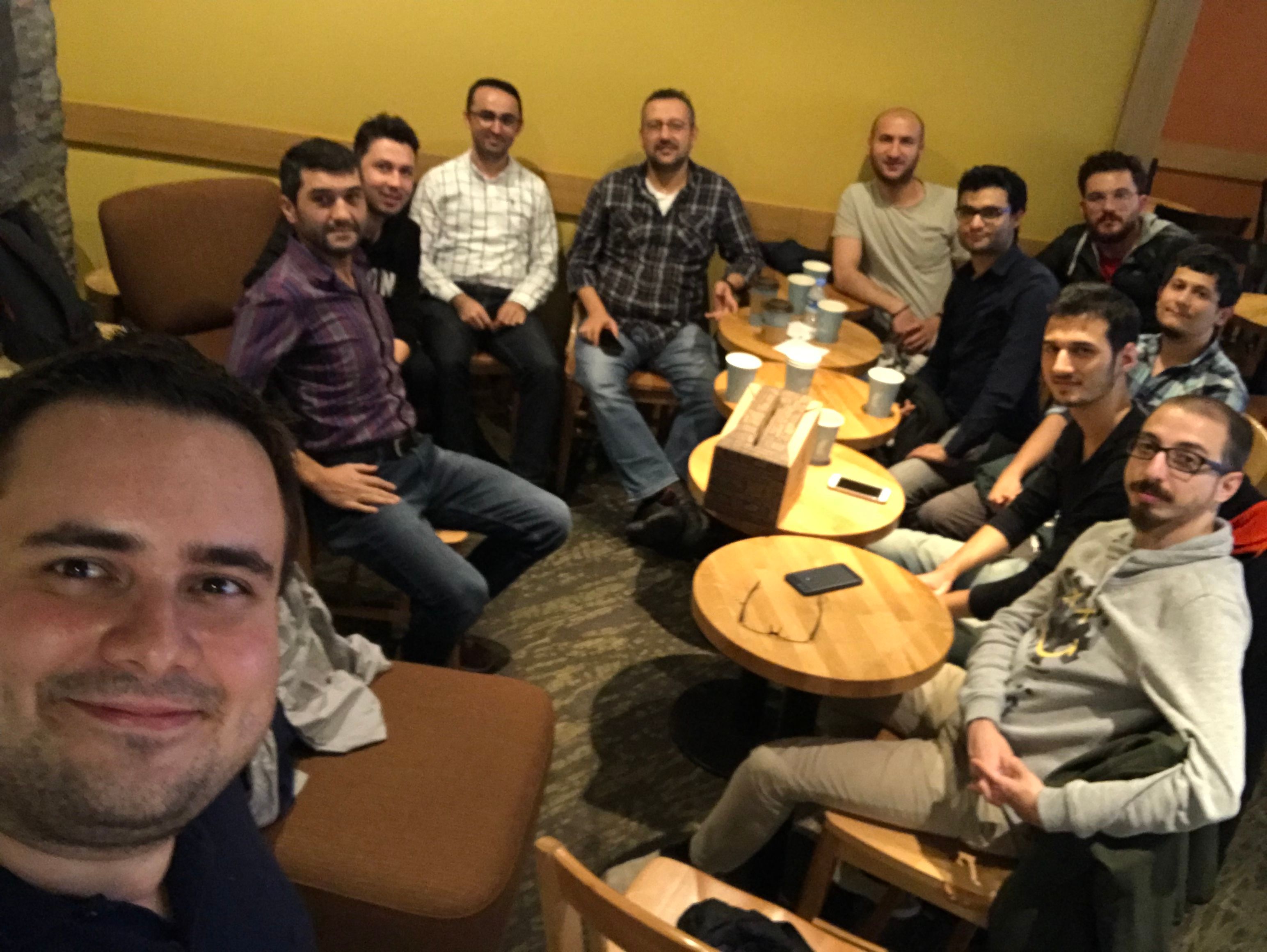
I attended the first and so far only meeting of the group. It was a small meeting (11 people) in Akasya Shopping Mall.

meeting

Naturally, it was an introductory meeting. We met with each other and chatted generally about new and old technologies, running systems in scale and the roadmap of the meetup.

The conversation continued for 3 hours and we could stay except for time got late. I really enjoyed it! I hope it persists and we can create a cloud native community.

Thursday, 8 November 2018

RedHat Forum Istanbul 2018

I attended to Red Hat Forum Istanbul like last year. It was both fun and professional as always.

Red Hat Forum 2018

Although most of the talks (excluding sponsor talks) were about containers and Openshift (Kubernetes), the main topic of the coffee breaks was IBM’s acquisition of the Red Hat. Obviously, Red Hat Turkey team was prepared for that. All of them successfully replied to all of the questions with carefully memorized phrases.

The rockstar of the event was Burr. He did three demos. First of them was about a multi-cloud Openshift cluster. He created a four node Openshift cluster, one node on AWS, one node on Azure, one node on GCP and last one was on his computer. It was a demo of Red Hat AMQ rather than Openshift.

The second demo was about Istio and it was like a voodoo magic to me. First, he showed the canary deployment pattern. Then he deployed a new version of an app to only beta users. Then to users who use OSX. Then to users from Canada! Also, he showed circuit breaking and distributed tracing.

The third demo was about Knative. He did not have too much time, so it was a bit limited but very nice!

Besides the talks and demos, there was a game. It was a clone of Candy Crush, but rather than candies you were trying to match things like Red Hat subscriptions in 60 seconds… It was a silly game, that you have to play with an Ipad on Red Hat boot. But there was a prize, a Nintendo Switch. We played a few times with Okan and get the URL to play on our computers. Then we noticed something if we open developer tools during the game countdown were stopping. We tried to exploit this to decide the best moves and make high scores. Then we noticed something bigger: the final score was sent by a POST request and there was no authentication. Jackpot!

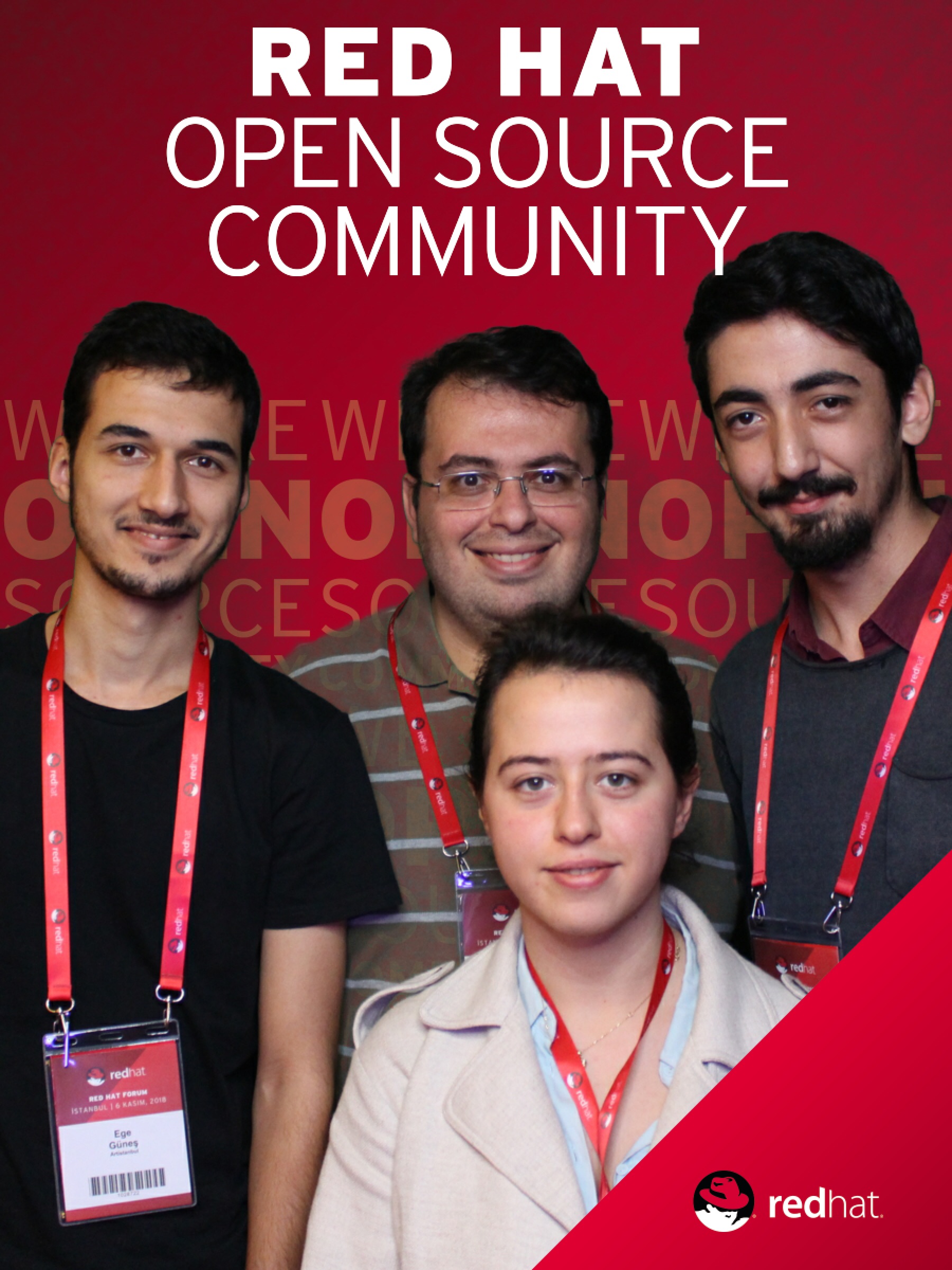
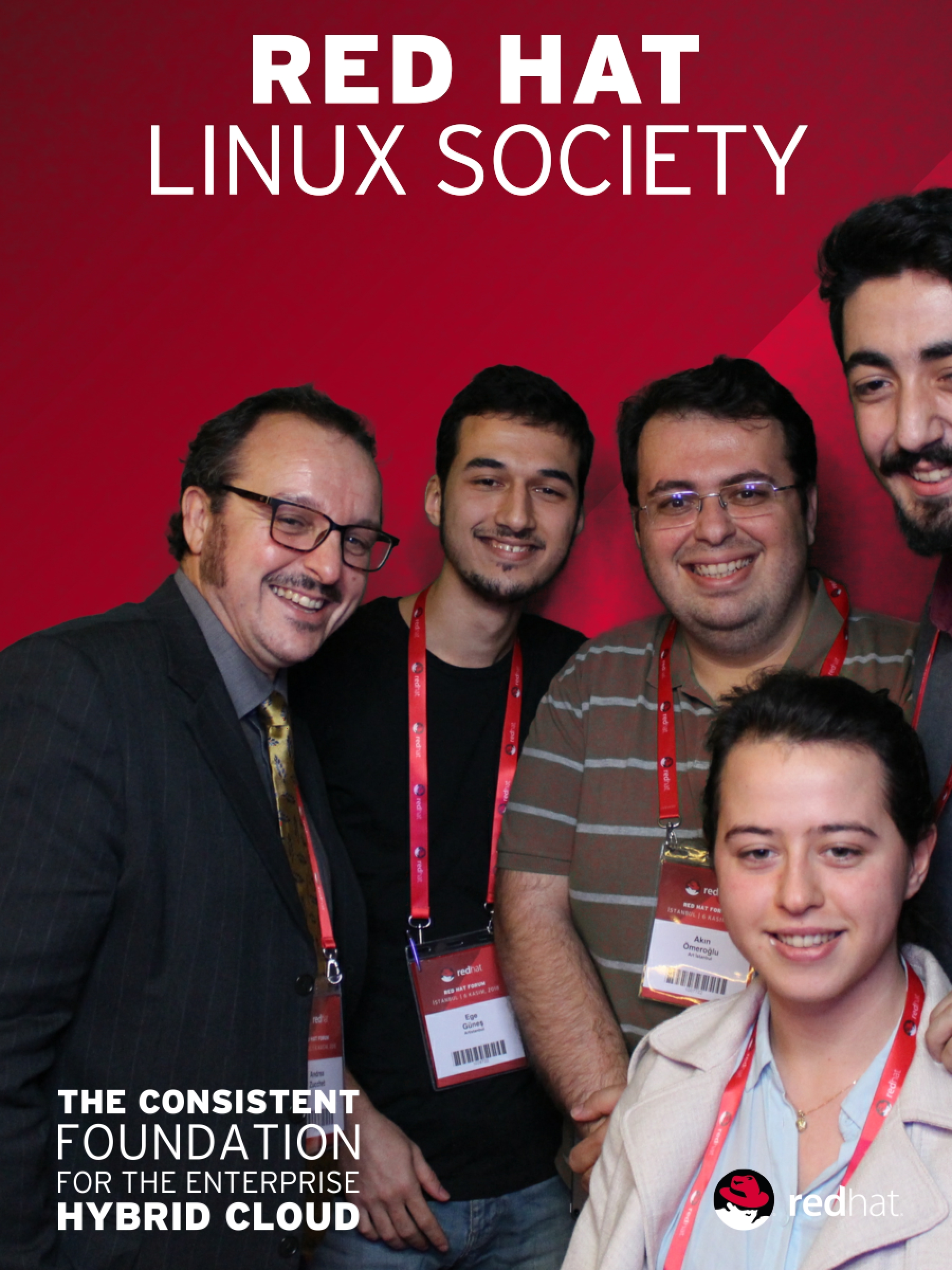
After sending a few requests, we showed our finding to one of the Red Hat employees. He found that so amusing that he wanted to take a photo together.

That photo

But we were not the only clever ones in the event. Three more people exploited this vulnerability. In fact, we got a serious competition with one of them. He or she even wrote a scraper to pass me by 100 points whenever I make a new request. Eventually, our scores hit the MAXINT. They gave the prize to the fifth person in the scoreboard.

See you next year!

Saturday, 16 June 2018

Working With Panopto API Using Zeep

Panopto is a video recording and publishing platform specifically targeted for education. Recently I had to work with their API and had some trouble with it. It’s only fair if I say their documentation is not good. There are some examples from Graham’s blog, but they are for C# mostly. I interacted with their support team several times and they were always friendly and helpful. So, I wanted to write a post to help people to use Panopto API using Python.

SOAP

Panopto’s API is using SOAP. I’ve only worked with RESTful API’s before and SOAP seemed a little odd at first. It’s XML schemes, completely different endpoint logic from REST APIs really confused me. But SOAP has its advantages. The best feature of SOAP is its self documentation. You make a request to a SOAP endpoint and it dumps all actions you can use with the required parameters.

Zeep

After a quick research I learnt Zeep is go-to SOAP client in Python ecosystem.

$ python3 -m venv venv
$ source venv/bin/activate
$ pip install zeep

Examples

To use the API, we need a Panopto user with admin privileges. All requests to the API must contain the username and password.

Create a folder

from zeep import Client

AUTH = {
    “UserKey”: “username”,
    “Password”: “password”
}

client = Client(“https://<PANOPTO_SERVER>/Panopto/PublicAPI/4.2/SessionManagement.svc?wsdl”)
client.service.AddFolder(auth=AUTH, name=“myfolder”, parentFolder=“<FOLDER_GUID>”)

Grant access to folder

client = Client(“https://<PANOPTO_SERVER>/Panopto/PublicApi/4.2/AccessManagement.svc?wsdl”)
client.service.GrantUsersAccessToFolder(auth=AUTH, folderId=“<FOLDER_GUID>”, userIds=[“<USER_GUID”], role=“Viewer”)

Revoke access from folder

client = Client(“https://<PANOPTO_SERVER>/Panopto/PublicApi/4.2/AccessManagement.svc?wsdl”)
client.service.RevokeUsersAccessFromFolder(auth=AUTH, folderId=“<FOLDER_GUID>”, userIds=[“<USER_GUID>”], role=“Viewer”)

More

Panopto API has five endpoints:

  1. AccessManagement
  2. SessionManagement
  3. RemoteRecorderManagement
  4. UsageReporting
  5. UserManagement

You can see all services provided by endpoint like this:

client = Client(“https://<PANOPTO_SERVER>/Panopto/PublicApi/4.2/<ENDPOINT>.svc?wsdl”)
client.wsdl.dump()

Additionally, Panopto has a Github profile and they have a great deal of open sourced integrations with various learning management systems. You can have a look in there for more complete examples.

Friday, 8 June 2018

Setup a Scalable Ghost with Docker and Traefik

I was hosting my static web site on Netlify. Then Github announced support for HTTPS on custom domains and I migrated there. Recently I bought an iPad Pro. Since I hold my SSH keys on my Yubikeys there is no easy way to write a post on my iPad and push it to Github. So I decided give Ghost a try.

The biggest advantage of having Netlify or Github host your website, you don’t have to worry about your sites availability. It’s somebody else’s problem. But I like things to be responsible of. I wanted it to be my problem. I decided to deploy Ghost on a Centos virtual machine.

I used docker images for Ghost. By default it uses a SQLite database. It means I can’t scale my blog without sharing SQLite database between containers. I decided to go with an external MySQL container.

Initially I have Nginx in my mind to use as reverse proxy. But while researching about it I came across to one of the most beautiful piece of software I’ve encountered: Traefik. It was a pure joy to configure and run it, because I didn’t configure anything. I just give docker’s socket path to Traefik and it just worked.

Traefik handles routing by container labels. For example to docker-compose.yml file of Ghost I added this:

labels:
    - "traefik.frontend.rule=Host:gunes.io"

Traefik listens 80 and if Host header in request is “gunes.io”, it routes this request to Ghost. If I scale Ghost to 2 containers or more, it automatically load balance between them. You don’t need anything other than default configuration for it.

But I need more of course. First I wanted to fetch metrics with Prometheus. So I enabled the config option. Second I wanted to have SSL. So I tried to configure Traefik automatically issue Let’s Encrypt certificate by my frontend rules. It didn’t work and I hit the rate limit for my IP.

Honeymoon must end sometime.

Thursday, 28 December 2017

Some Git Pitfalls for Junior Developers

Getting started with git is hard. Especially if you alone and don’t have an experienced developer around. In this post I won’t help you with basics of git, but share some pitfalls that I fell.

Git is not a backup tool

I was totally wrong about the way I comprehend git a year ago. I was using git to solely to push my project’s latest state to GitHub servers. Git is not a backup tool. Git is about tracking the differences, managing evolution of source code and allowing masses to do collaborative work on a project.

As an unemployed junior developer, you probably work alone on your projects. So that means you don’t need a tool to make it easy to collaborate, but you will someday and that day is close enough to get started to learn using git properly. For example on Linux kernel last month (November 8 - December 8) “707 authors have pushed 2,334 commits to master”.

Also by pushing big chunks of insertions and deletions to a remote server you lose the advantage of managing the evolution of your source code. Which change introduced the bug that I’m facing? You can answer this question if you track your differences.

Atomic commits are important

To track differences, your commits should be atomic. But what makes a commit atomic? Well… I have mixed feelings about that, so I usually trust my gut feeling.

For example, let’s say you added a field to your Django model. There is a change in your models.py and you have a migration file. You stage and commit them. OK, this is an atomic commit.

Let’s say you developed a feature. On the registration page, you ask users their favorite editor. There is a change in models.py, forms.py, views.py and registration_form.html. Additionally, you have an untracked migration file. You stage and commit them. Is this an atomic commit? It’s common practice for large projects to develop this feature in a branch with a commit for each modified file, squash all and merge. I don’t like it but generally follow this myself too.

The rule of thumb is every commit should be working as itself. If I checkout a specific commit, I should see the feature as complete.

Learn how to write good commit messages

Writing good commit messages is essential for managing the evolution of the code. Why? Because your commits are the snapshots of your project. You will want to see or return to one of these snapshots soon or later as your project grows. And you will want a clear definition of the snapshot, so you can choose which one you want to return.

Maybe one of your future teammates has to find the commit that introduced the bug she’s dealing with. Or maybe the maintainer of this super hot open source project looks at your pull request and trying to make sense of it. Providing a clear definition of an atomic commit is super helpful for them.

Official git documentation points Tim Pope’s model for writing good commit messages. I’m trying to follow it without being so strict.

Git is an esoteric tool. But also a powerful one. You don’t need to use every function it has initially. Just learn the basics and stick with them. Then learn the rest as you need them.

Sunday, 12 November 2017

I Carry My SSH and GPG Keys All the Time

Yubikeys are great. Many use them just for 2 factor authentication. But Yubikeys are capable to hold your GPG keys also. And you can use your GPG keys for SSH authentication. So here is the story of how I carry my SSH keys in my pocket all the time in (almost) pain-free and relatively secure way.

You have two options for creating GPG keys: creating directly on Yubikey or creating on your computer and import to Yubikey. I went with first way at the beginning and then the Infineon RSA key generation issue discovered. The keys generated on Yubikey 4 below 4.3.5 were vulnerable. I had no option other than revoking my private key and go with second way.

This post is not intended to be a tutorial about key generation or importing keys to Yubikey. I followed this tutorial.

To use your GPG keys to ssh computers, you have to use gpg-agent for ssh. It’s easy and not much error-prone most of the time but you have to kill and restart gpg-agent occasionally. The biggest requirement is telling ssh to use gpg-agent by changing $SSH_AUTH_SOCK environment variable to gpg-agent’s socket. I have this in my bashrc which I took from Jess Frazelle.

So what is so great about having your ssh keys all the time? I don’t need to worry about carrying my laptop with me to access my servers or I don’t need to compromise the security of my keys by syncing them between hosts by something like Dropbox. If a problem occurs one of our production systems I simply insert my work Yubikey to my home computer and I’m in. If a problem occurs when I’m not able to use any of my computers, I also carry a live Fedora usb with me all the time and there are computers literally everywhere. If I can’t find a computer, well c’est la vie.

Saturday, 28 October 2017

Running Python on AWS Lambda

The idea of “serverless” fascinates me since I first heard it. Write some code, deploy and voila, your code is globally available. I awaited a chance for get my feet wet and last week I got. In Artistanbul we were toying with the idea to create a Facebook Messenger chatbot for one of our clients. Chatbots are perfect for going serverless, so I volunteered for creating a prototype.

This post is not a tutorial for creating a Facebook Messenger chatbot. I’m writing this just for logging purposes, So I can come back in the future and restart my serverless journey wherever I left.

Lambda looks for handler function to execute your code. Create a handler function and deploy it for testing.

def handler(event, context):
    return {
        'message': f'Hello {event["name"]}'
    }

For deployment you need to create a zip file containing your dependencies and code. For learning purposes I did deployment manually, but you should really checkout Zappa.

$ zip lambda.zip lambda.py

Create the execution role by following the steps described here. Copy role ARN to anywhere accessible.

Get root’s access key id and secret key from IAM Management Console. Note that using root user’s access keys is against Amazon’s recommendation and promise yourself that you will not do this any serious project.

Add security credentials. This will create a directory named .aws and two files: config and credentials.

$ aws configure
AWS Access Key ID [None]: ACCESS_KEY_ID
AWS Secret Access Key [None]: SECRET_ACCESS_KEY
Default region name [None]: eu-central-1
Default output format [None]: json

Create the function by:

$ aws lambda create-function \
    --region eu-central-1 \
    --function-name lambda \
    --zip-file fileb://lambda.zip \
    --role your-role-arn \
    --handler lambda.handler \
    --runtime python3.6 \
    --profile default \
    --timeout 10 \
    --memory-size 1024

To invoke the function create an event template…

{
    "name": "Ege"
}

and invoke from cli:

$ aws lambda invoke \
    --invocation-type RequestResponse \
    --function-name lambda \
    --payload file://test.json \
    output
{
    "StatusCode": 200
}

Note that there are two invocation types of lambda functions: Event (asynchronous execution) and RequestResponse (synchronous execution). If you use Event invocation type the return value of handler will be discarded.

$ cat output
{"message": "Hello Ege"}

Friday, 25 August 2017

Systemd vs Supervisor

Supervisord is a well-known tool among developers for controlling processes. It’s especially useful for monitoring process status and restarting on a crash. For a long time, I used supervisor on my personal projects and still using it at work. But while migrating HastaTakip from Ubuntu 14.04 to Centos 7, I made a different choice for process monitoring and controlling:systemd.

Well…I’m sure you heard about systemd before. It’s the controversial software that landed to Linux environment in 2010 and replaced System V init system. Its name is enough to flame wars between Linux users. I don’t like some of the features introduced by systemd, like binary logs, network interface names etc. but let’s face the fact–systemd is here to stay. So I think we should get familiar with it and harness it’s useful features to our benefit.

supervisord as a process supervisor

Let’s say I have a Django application named Foo. I want to be sure Foo is running all the time, even if it crashes. Also, I want a simple interface to start, stop and restart its process. Supervisord is a perfect match for this job.

[program:foo]
command=/home/foo/bin/start_foo
user=foo
environment=LANG=en_US.UTF-8,LC_ALL=en_US.UTF-8

With supervisord.conf above I can control process easily:

$ supervisorctl status foo
$ supervisorctl stop foo
$ supervisorctl start foo
$ supervisorctl restart foo

Let’s say I have some background tasks to do upon request and I want to use Celery for this. Now I have two processes to monitor and control.

[program:foo_django]
command=/home/foo/bin/start_foo
user=foo
environment=LANG=en_US.UTF-8,LC_ALL=en_US.UTF-8

[program:foo_celery]
command=/home/foo/bin/start_celery
user=foo
environment=LANG=en_US.UTF-8,LC_ALL=en_US.UTF-8

[group:foo]
programs=foo_django,foo_celery
$ supervisorctl status foo:*
$ supervisorctl stop foo:*
$ supervisorctl start foo:*
$ supervisorctl restart foo:*

Almost two years of using supervisor I didn’t need any other command or option. It’s simple and gets the job done. So why I made the switch? Because I had a tool as useful as supervisord and came pre-installed with Centos 7.

systemd as a process supervisor

systemd uses configuration files named ‘unit file’. Below is a unit file for Foo:

[Unit]
Description="Foo web application"
After=network.target

[Service]
User=foo
Group=foo
Environment=LANG=en_US.UTF-8,LC_ALL=en_US.UTF-8
ExecStart=/home/foo/bin/start_foo

[Install]
WantedBy=multi-user.target

After copying this to /etc/systemd/system/foo.service I can control Foo with systemctl:

$ systemctl status foo
$ systemctl stop foo
$ systemctl start foo
$ systemctl restart foo

One of the key features of supervisord is restarting the process on a crash. With systemd I can have the same behavior by adding Restart=always to [Service] section. Restart option can have settings other than always. For complete list see systemd.service(5).

Let’s add Celery to the equation. I want to control my main service and Celery both independently and together. For this, I have to create a ’target’. Targets are unit files too but useful for grouping and ordering other services.

/etc/systemd/system/foo.target:

[Unit]
After=network.target
Wants=foo_django.service foo_celery.service

[Install]
WantedBy=multi-user.target

According to systemd.unit(5), services listed in Wants starts when target starts, but if one of them fails it won’t affect the target. So, if foo_celery.service fails to start, it will not affect foo_django.service.

In order to use my target, I have to change my units like this:

[Unit]
Description="Foo web application"
After=network.target
PartOf=foo.target

[Service]
User=foo
Group=foo
Environment=LANG=en_US.UTF-8,LC_ALL=en_US.UTF-8
ExecStart=/home/foo/bin/start_foo

[Install]
WantedBy=multi-user.target

According to the same manual, a dependency is established between units and targets listed in the PartOf and starting or stopping the target will affect these units. However, this dependency relation is unidirectional, starting or stopping one of the units will not affect other units dependent on the same target. So, when I start foo.target, it will start foo.service and foo_celery.service but if I restart foo_celery, foo won’t be affected.

Finally, I can check dependent services with list-dependencies. The dot on the left is green or red according to the service’s status.

$ systemctl list-dependencies foo.target
foo.target
● ├─foo_django.service
● └─foo_celery.service

Conclusion

I’m not saying supervisor is bad or systemd is superior. Supervisor is a reliable tool that I use day to day. Also, it has some features that systemd has not, like controlling services with a web interface. Nevertheless, if your only use case is making sure of your processes are running all the time you can consider using systemd and getting rid of one dependency from your systems.